 +
+
Create powerful workflows within N8N using hundreds of pre-made tools and communicate with them through Cedar
What is N8N?
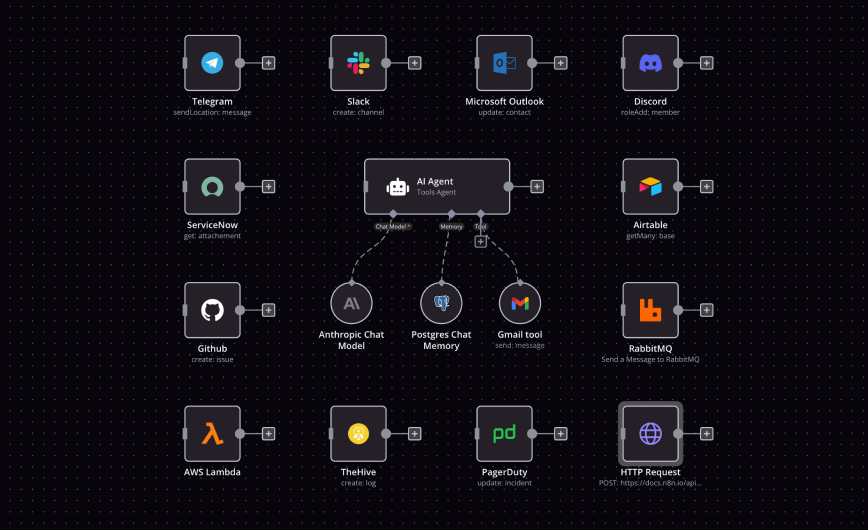
N8N is a workflow automation platform that connects different services and automates repetitive tasks. With N8N and Cedar Assistant, you can create intelligent workflows that leverage AI for decision-making, content generation, data analysis, and use it on the go in a convenient mobile app
Workflow Templates
Copy-Paste ready-to-use N8N workflow template to build you own Cedar Assistants
Basic Agent Template
A basic foundation for building custom AI automation workflows with Cedar and N8N.
Installation Guide
Get N8N running and connected to Cedar in just a few steps
Install N8N
Run N8N using Docker for the easiest setup experience.
docker run -it --rm --name n8n -p 5678:5678 -v ~/.n8n:/home/node/.n8n n8nio/n8nAccess N8N
Navigate to localhost:5678 in your browser and complete the setup wizard.
Configure Cedar Connection
Set up the HTTP Request node to connect to Cedar Assistant's API.
Test Your First Workflow
Create a simple workflow to verify everything is working correctly.
Need Help?
Check out the official N8N documentation for detailed installation guides, troubleshooting tips, and advanced configuration options.
Visit N8N DocsGetting Started with N8N
Learn the basics and create your first Cedar Assistant workflow
Understanding N8N Concepts
Workflows
A workflow is a series of connected nodes that automate tasks. Think of it as a flowchart where each step processes data and passes it to the next step.
Nodes
Nodes are the building blocks of workflows. Each node performs a specific action like sending an HTTP request, querying a database, or transforming data.
Connections
Connections link nodes together, defining the flow of data through your workflow. Data from one node becomes input for the next.
Triggers
Triggers start workflows automatically based on events like scheduled times, webhooks, file changes, or manual execution.
Credentials
Credentials securely store authentication information for connecting to external services like APIs, databases, and cloud platforms.
Example: Cedar to Notion
Here's a simple workflow that saves Cedar conversations to Notion:
Manual Trigger
Starts the workflow when you click execute
HTTP Request (Cedar)
Fetches your recent Cedar conversations via API
Notion
Creates a new page in Notion with the conversation
Pro tip: You can add conditional logic between steps to filter which conversations get saved, transform the data format, or route to different destinations based on content.
Tips for Success
- ✓Start simple - build basic workflows before adding complexity
- ✓Use the Execute Workflow button frequently to test as you build
- ✓Check the output panel to debug data flow between nodes
- ✓Save frequently and use version control for complex workflows
- ✓Explore the N8N community for pre-built workflow templates